ZTELink Lite3.2.4
Continue to app
Free Version
Publisher Description
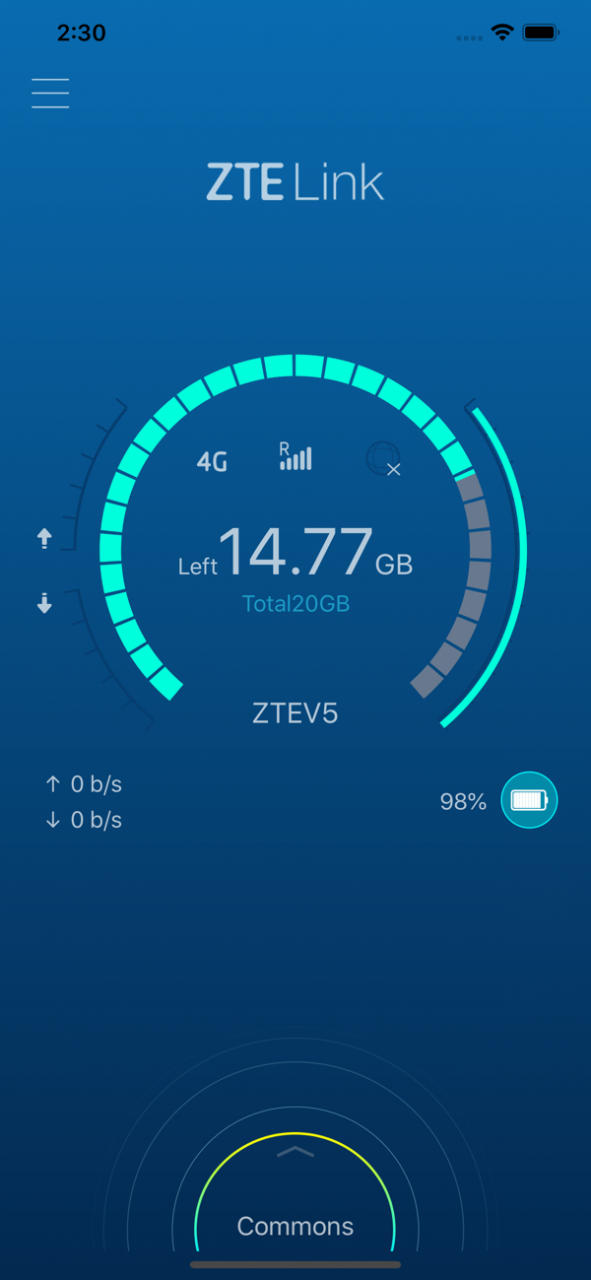
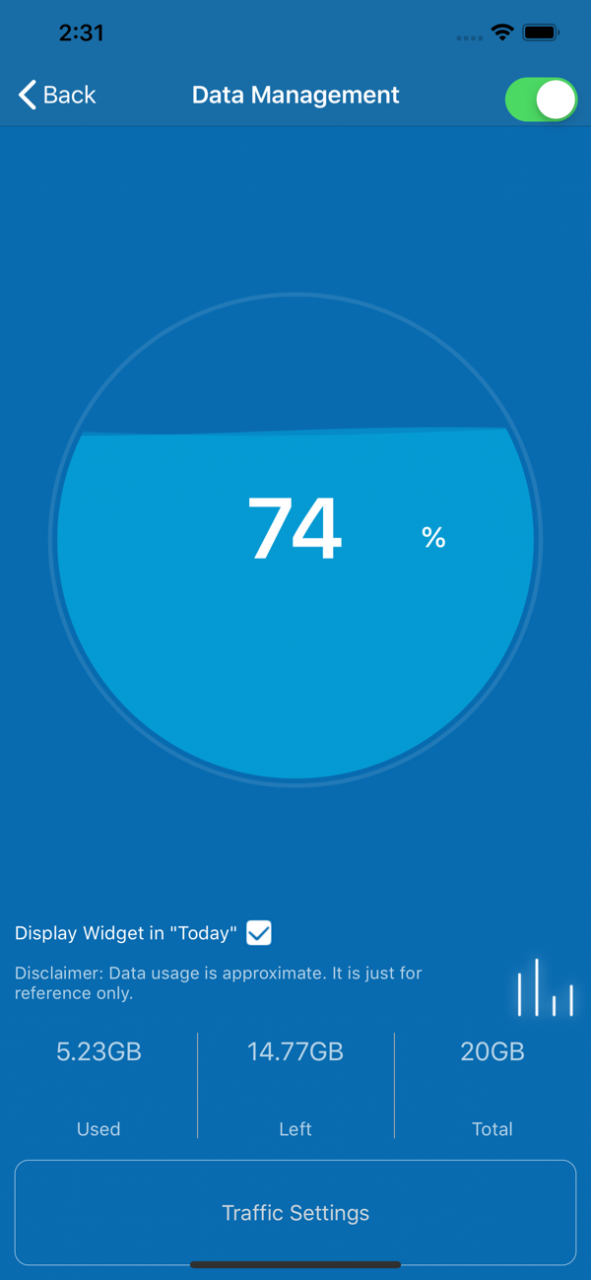
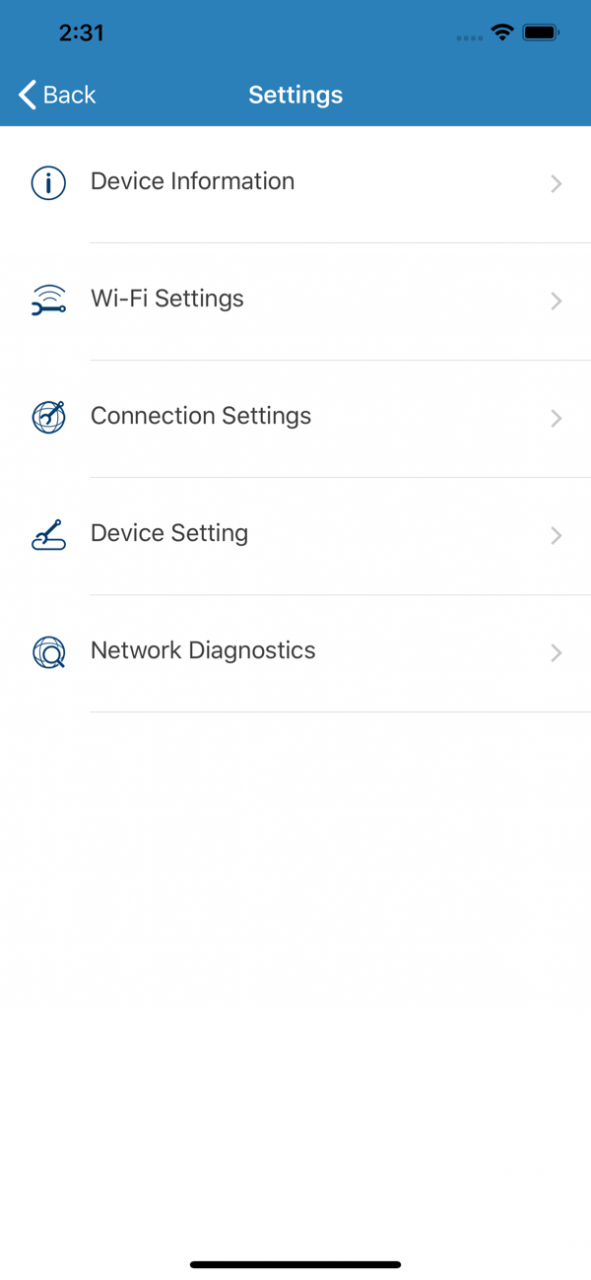
uFi/CPE provides Internet solutions for smart terminals, ZTELink is installed on the smart terminals, ZTELink displays status of the uFi/CPE, such as signal strength, power information, user's information who join in uFi/CPE, but also can operate uFi/CPE.
ZTE中兴uFi/CPE为智能终端提供上网解决方案, ZTELink是安装在手机、Pad上的应用程序,随时了解uFi/CPE产品的状态,如信号强度,电量信息,接入用户信息等,同时也可对uFi/CPE产品进行管理。提供零流量分享图片视频、Wi-Fi扫码接入等附加功能。
Jan 29, 2022
Version 3.2.4
Get our latest and greatest effects.
About ZTELink Lite
ZTELink Lite is a free app for iOS published in the System Maintenance list of apps, part of System Utilities.
The company that develops ZTELink Lite is ZTE Corporation. The latest version released by its developer is 3.2.4. This app was rated by 1 users of our site and has an average rating of 2.0.
To install ZTELink Lite on your iOS device, just click the green Continue To App button above to start the installation process. The app is listed on our website since 2022-01-29 and was downloaded 502 times. We have already checked if the download link is safe, however for your own protection we recommend that you scan the downloaded app with your antivirus. Your antivirus may detect the ZTELink Lite as malware if the download link is broken.
The company that develops ZTELink Lite is ZTE Corporation. The latest version released by its developer is 3.2.4. This app was rated by 1 users of our site and has an average rating of 2.0.
To install ZTELink Lite on your iOS device, just click the green Continue To App button above to start the installation process. The app is listed on our website since 2022-01-29 and was downloaded 502 times. We have already checked if the download link is safe, however for your own protection we recommend that you scan the downloaded app with your antivirus. Your antivirus may detect the ZTELink Lite as malware if the download link is broken.
How to install ZTELink Lite on your iOS device:
- Click on the Continue To App button on our website. This will redirect you to the App Store.
- Once the ZTELink Lite is shown in the iTunes listing of your iOS device, you can start its download and installation. Tap on the GET button to the right of the app to start downloading it.
- If you are not logged-in the iOS appstore app, you'll be prompted for your your Apple ID and/or password.
- After ZTELink Lite is downloaded, you'll see an INSTALL button to the right. Tap on it to start the actual installation of the iOS app.
- Once installation is finished you can tap on the OPEN button to start it. Its icon will also be added to your device home screen.
Program Details
System requirements
Operating systems
iOS
Download information
File size
46.6 MB
Total downloads
502
Pricing
License model
Free
Price
Version History
Here you can find the changelog of ZTELink Lite since it was posted on our website on 2021-12-14. The latest version is 3.2.4 and it was updated on Soft112 on 10 October, 2026. See below the changes in each version:
version 3.2.4
posted on 2022-01-29
Jan 29, 2022
Version 3.2.4
Get our latest and greatest effects.
version 3.2.3
posted on 2020-12-11
Dec 11, 2020 Version 3.2.3
fix bugs
